Beyond the screenshot
Stop capturing chats one screenshot at a time. ChatVault saves the whole conversation — text, photos, videos and voice notes — as a single, ordered archive you can actually read, revisit and keep forever.
Why ChatVault
Privacy-first
No servers, no accounts, no tracking. Nothing ever leaves your phone.
Beautifully readable
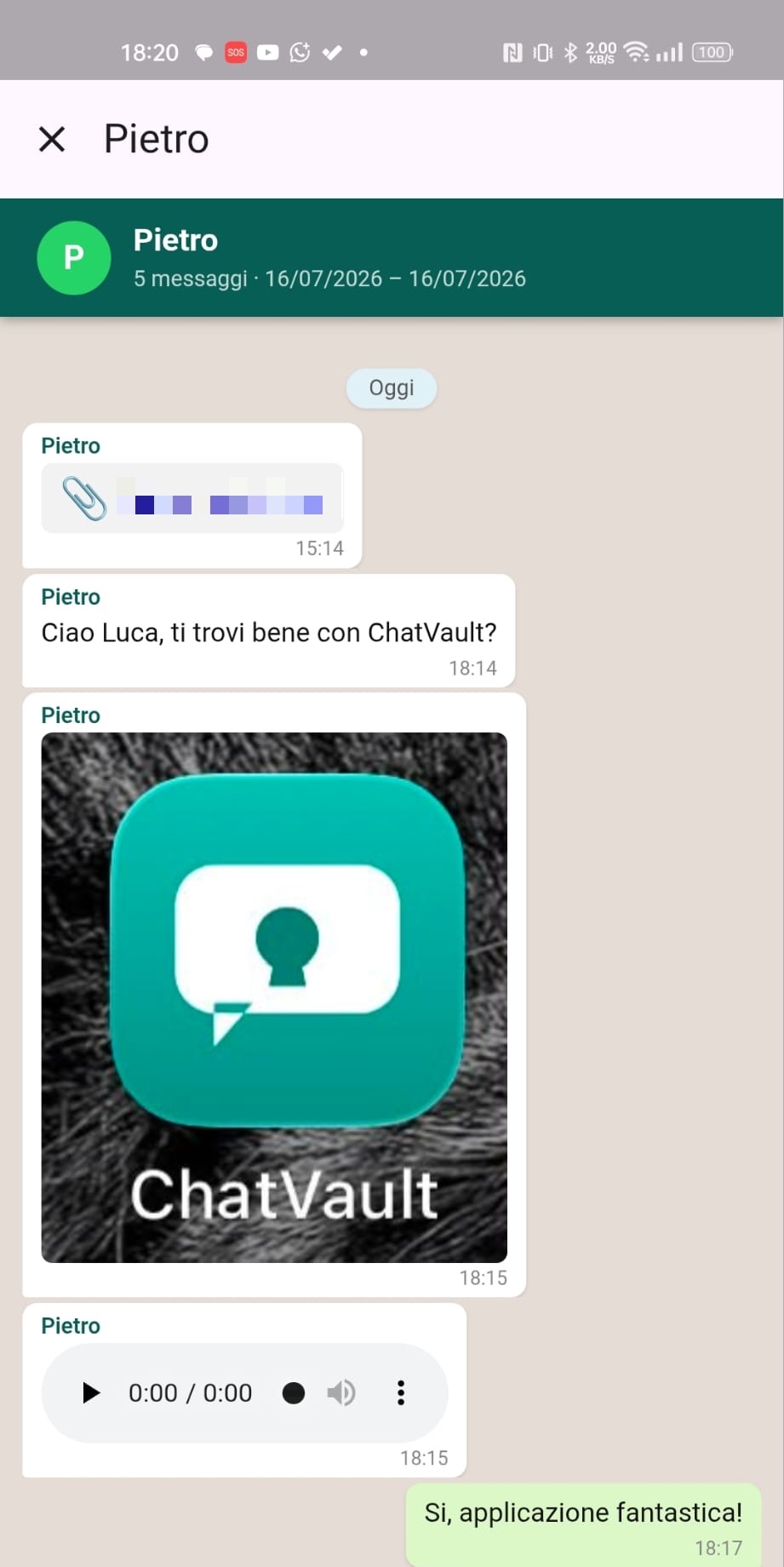
Messages in chronological order, with photos, videos and voice notes inline.
Voice notes that play
Audio messages are converted so they play in any browser.
5 languages
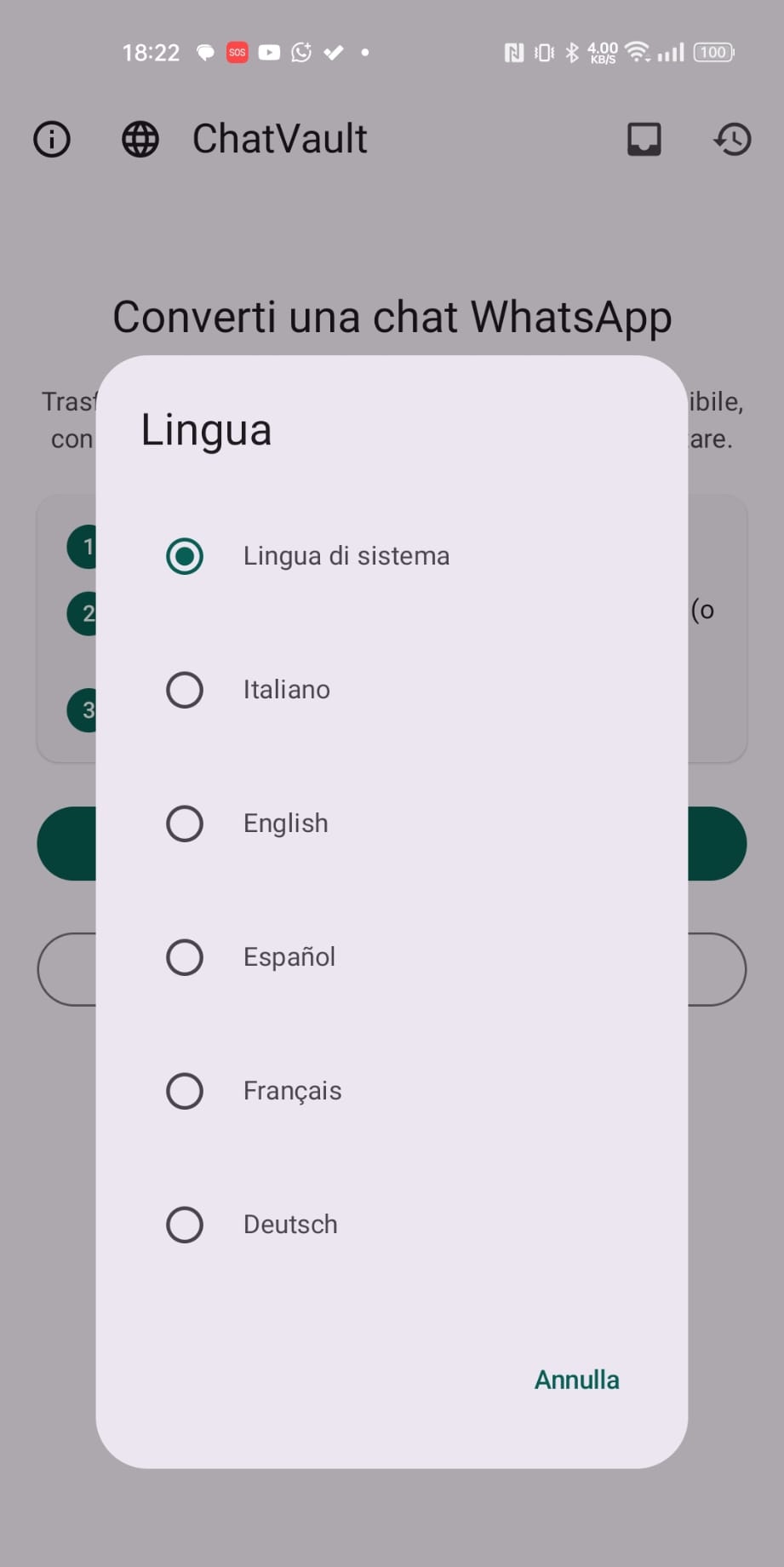
English, Italiano, Español, Français, Deutsch — follows your device.
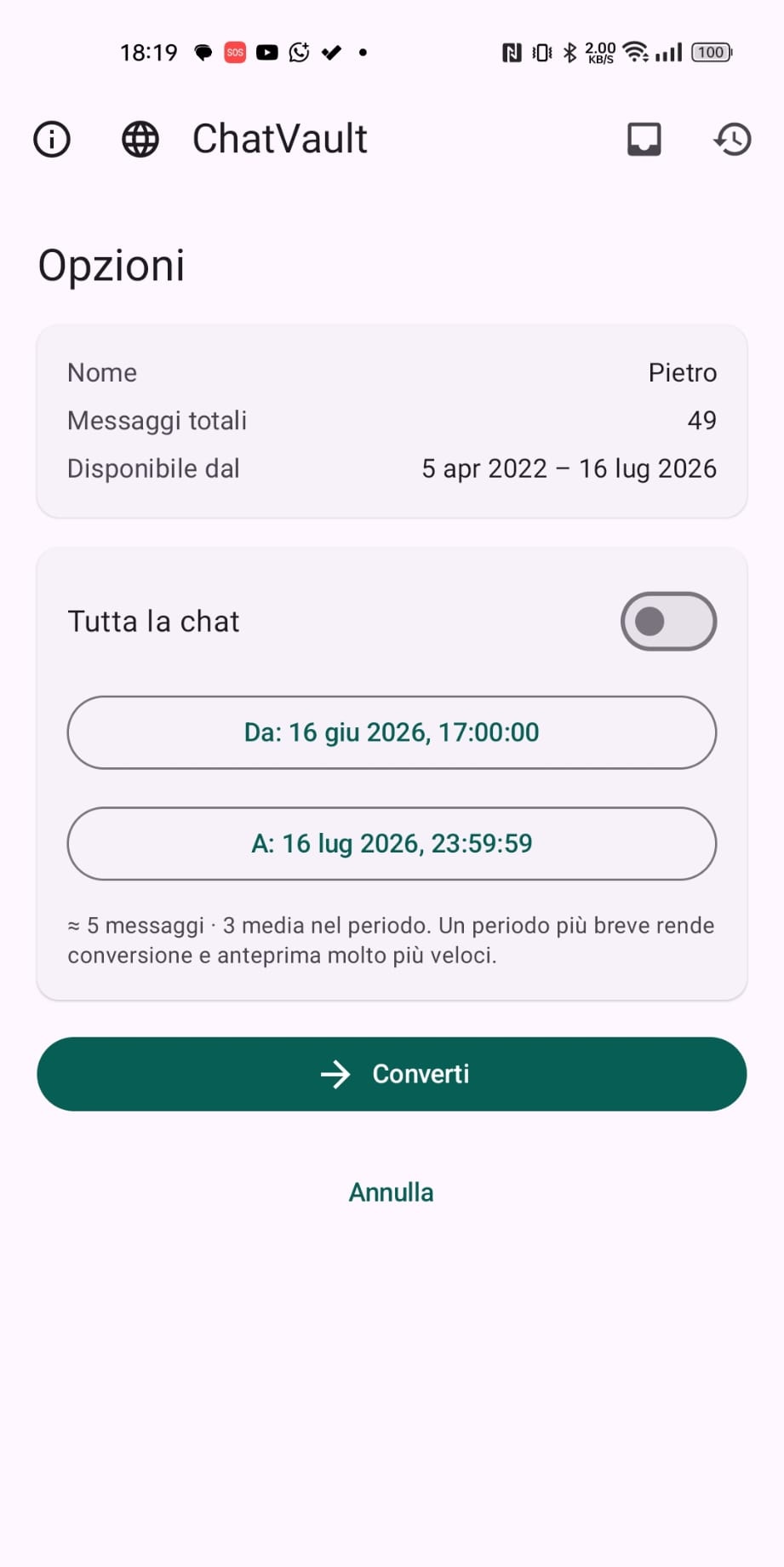
Pick a period
Convert the whole chat or just a date range — perfect for huge exports.
Yours to keep
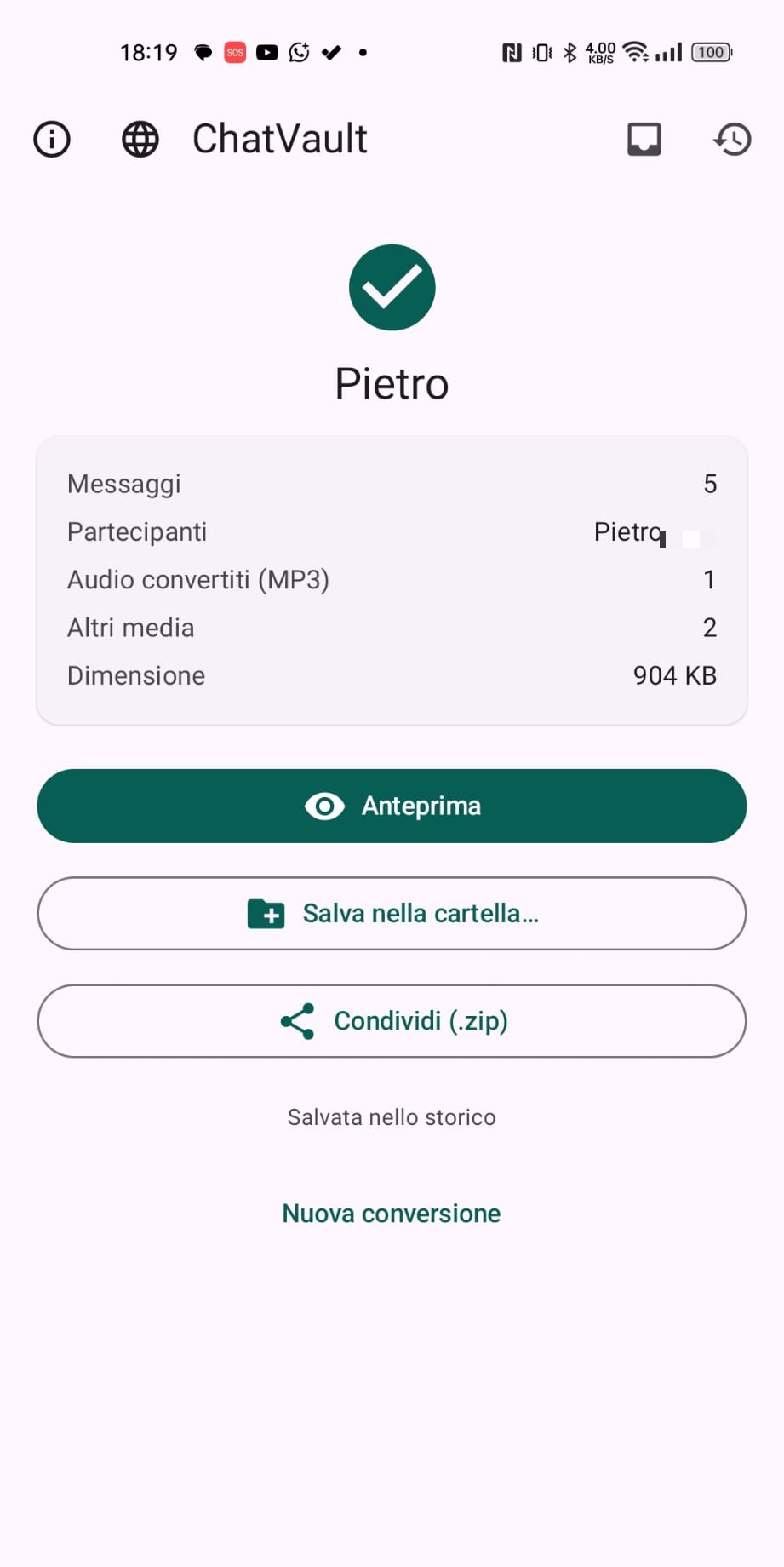
Save, preview and share the archive as a self-contained HTML page.
Tamper-evident
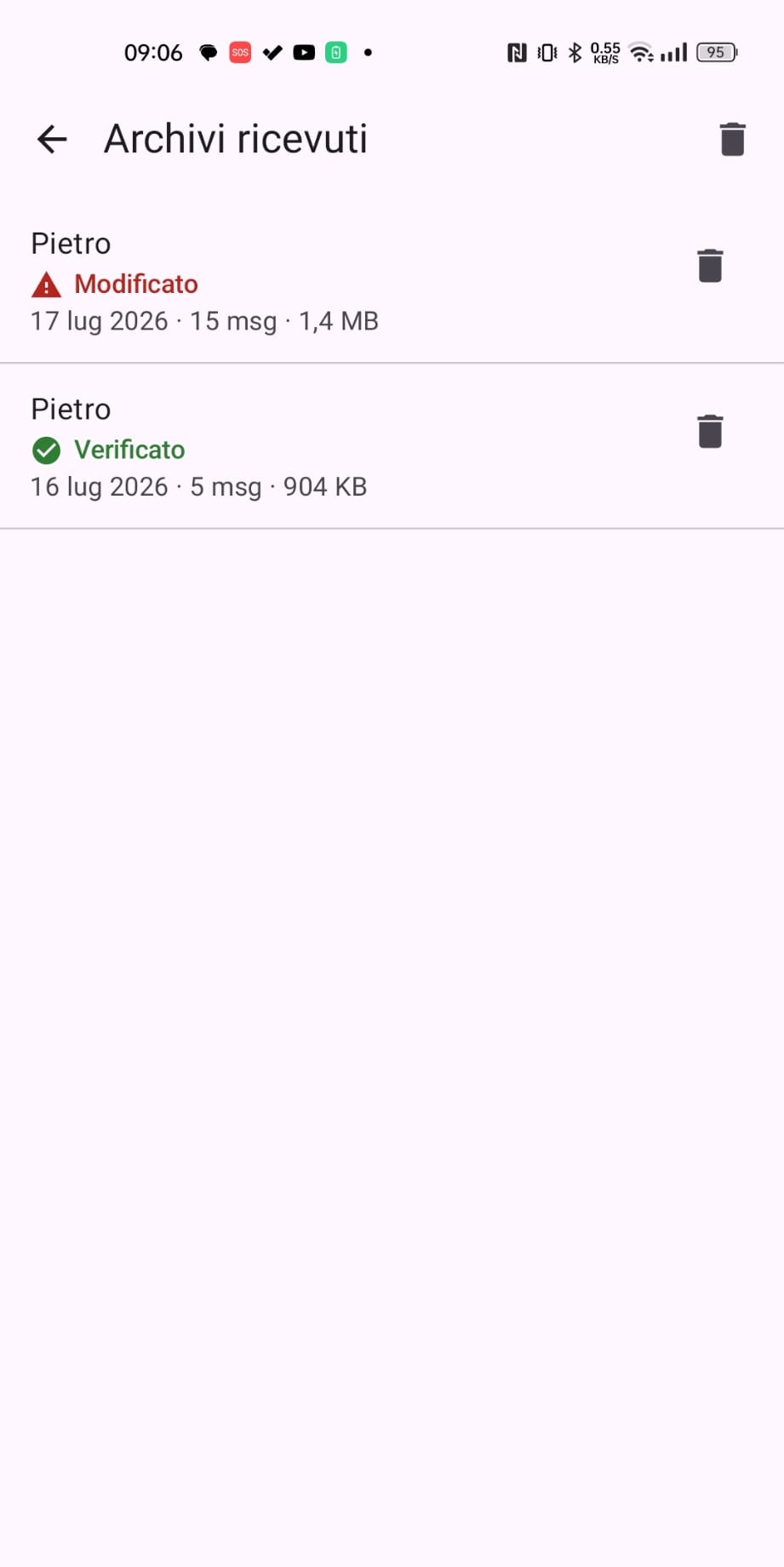
Every archive is signed. When you receive one, ChatVault checks it hasn't been altered since it was created.
iOS & Android
Native apps on both platforms, with the same features.
No subscription
Free to use. Unlock everything with a single one-time purchase — no ads.
See it in action
How it works
Export from WhatsApp
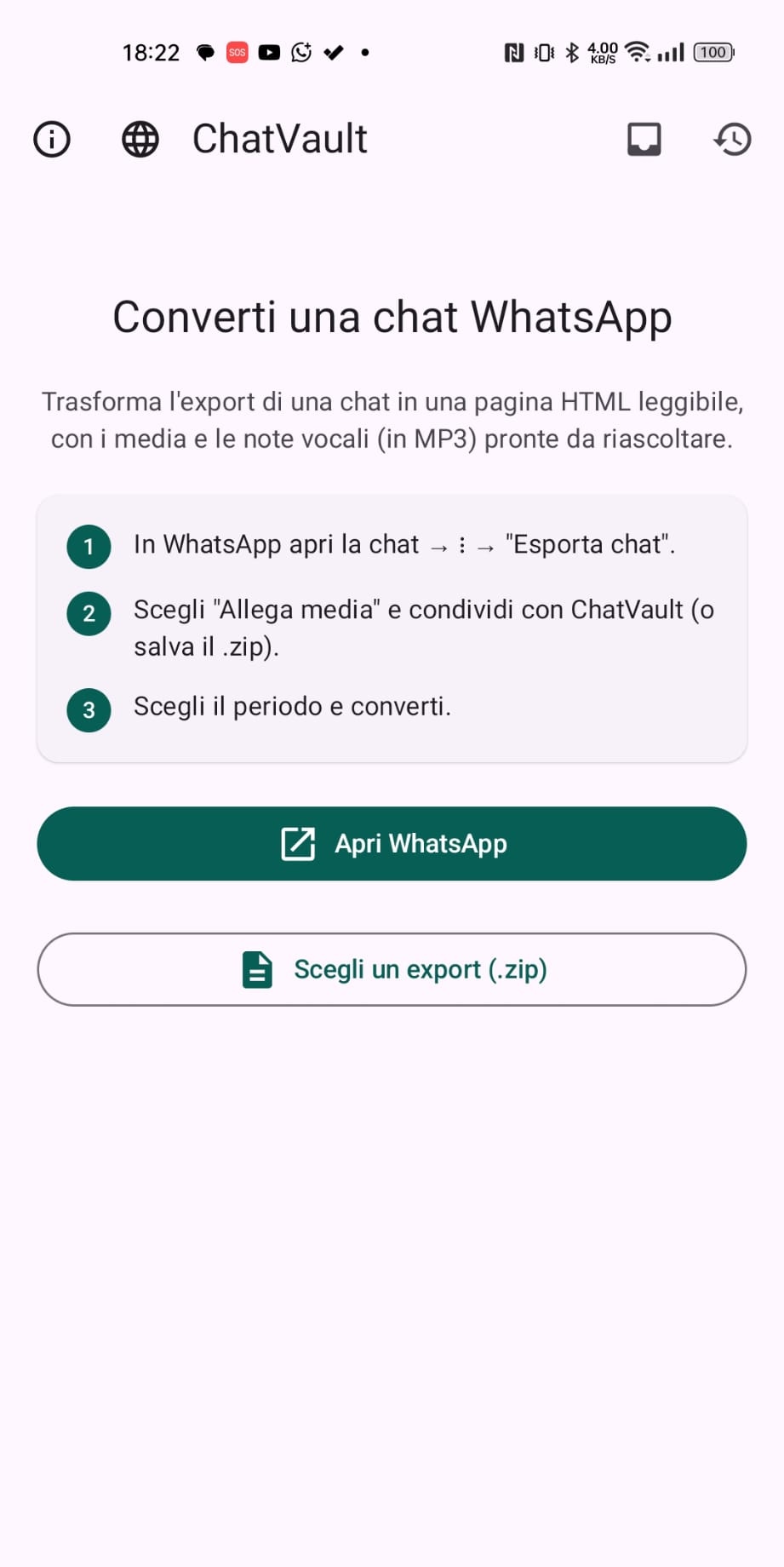
Use WhatsApp's built-in "Export chat" and pick "Include media".
Open in ChatVault
Share the ZIP to ChatVault, or pick it from Files.
Read & keep
Get a clean archive you can browse, save and share.
How-to guides
- Share a whole WhatsApp chat (photos & voice notes)
- Save WhatsApp voice notes & play them anywhere
- Save a WhatsApp chat before deleting an account
Frequently asked questions
Does ChatVault upload my chats anywhere?
No. Everything happens on your device. There are no servers, accounts or tracking, and nothing is uploaded.
Can I play the voice notes?
Yes. WhatsApp voice notes are converted so they play directly in any browser.
Can I convert only part of a very large chat?
Yes. You can convert the whole chat or select a date range, which is ideal for very large exports.
What file do I get?
A single self-contained HTML archive that you can save, preview and share.
Is ChatVault affiliated with WhatsApp?
No. It is an independent app and only reads WhatsApp's own official export file.
Is ChatVault free?
It is free to use, with an optional one-time Pro unlock. No subscription and no ads.
What does the Pro version unlock?
The free version converts the last 3 days of a chat and keeps your 3 most recent archives. Pro removes those limits: convert any date range (or the whole chat) and keep unlimited conversations and received archives. It's a single one-time purchase — no subscription.
Get ChatVault
Free to use, with an optional one-time Pro unlock. No subscription, no ads.
Read our Privacy Policy · Support.
Oltre lo screenshot
Basta salvare le chat uno screenshot alla volta. ChatVault conserva l'intera conversazione — testo, foto, video e note vocali — in un unico archivio ordinato che puoi davvero leggere, rileggere e conservare per sempre.
Perché ChatVault
Privacy prima di tutto
Nessun server, nessun account, nessun tracciamento. Niente lascia il tuo telefono.
Bella da leggere
Messaggi in ordine cronologico, con foto, video e note vocali integrate.
Note vocali riproducibili
I messaggi audio vengono convertiti per essere ascoltati in ogni browser.
5 lingue
Italiano, English, Español, Français, Deutsch — segue il tuo dispositivo.
Scegli il periodo
Converti tutta la chat o solo un intervallo di date — ideale per export enormi.
È tua da conservare
Salva, visualizza e condividi l'archivio come pagina HTML autonoma.
A prova di manomissione
Ogni archivio è firmato. Quando ne ricevi uno, ChatVault verifica che non sia stato alterato dopo la creazione.
iOS e Android
App native su entrambe le piattaforme, con le stesse funzioni.
Nessun abbonamento
Gratis. Sblocca tutto con un singolo acquisto una-tantum — senza pubblicità.
Guarda com'è
Come funziona
Esporta da WhatsApp
Usa "Esporta chat" di WhatsApp e scegli "Includi media".
Apri in ChatVault
Condividi lo ZIP con ChatVault, o selezionalo da File.
Leggi e conserva
Ottieni un archivio ordinato da sfogliare, salvare e condividere.
Guide pratiche
- Condividere un'intera chat WhatsApp (foto e vocali)
- Salvare le note vocali di WhatsApp e riascoltarle ovunque
- Salvare una chat WhatsApp prima di cancellare un account
Domande frequenti
ChatVault carica le mie chat da qualche parte?
No. Tutto avviene sul tuo dispositivo. Nessun server, nessun account, nessun tracciamento: niente viene caricato.
Posso ascoltare le note vocali?
Sì. Le note vocali di WhatsApp vengono convertite per essere riprodotte direttamente in qualsiasi browser.
Posso convertire solo una parte di una chat enorme?
Sì. Puoi convertire tutta la chat oppure scegliere un intervallo di date, ideale per export molto grandi.
Che file ottengo?
Un unico archivio HTML autonomo che puoi salvare, visualizzare e condividere.
ChatVault è affiliata a WhatsApp?
No. È un'app indipendente e legge soltanto il file di export ufficiale di WhatsApp.
ChatVault è gratis?
È gratis, con uno sblocco Pro opzionale una-tantum. Nessun abbonamento e nessuna pubblicità.
Cosa sblocca la versione Pro?
La versione gratuita converte gli ultimi 3 giorni di una chat e conserva i 3 archivi più recenti. Pro rimuove questi limiti: converti qualsiasi intervallo di date (o tutta la chat) e conserva conversazioni e archivi ricevuti senza limiti. È un unico acquisto una-tantum, senza abbonamento.
Scarica ChatVault
Gratis, con sblocco Pro opzionale una-tantum. Nessun abbonamento, nessuna pubblicità.
Leggi la nostra Informativa sulla privacy · Assistenza.